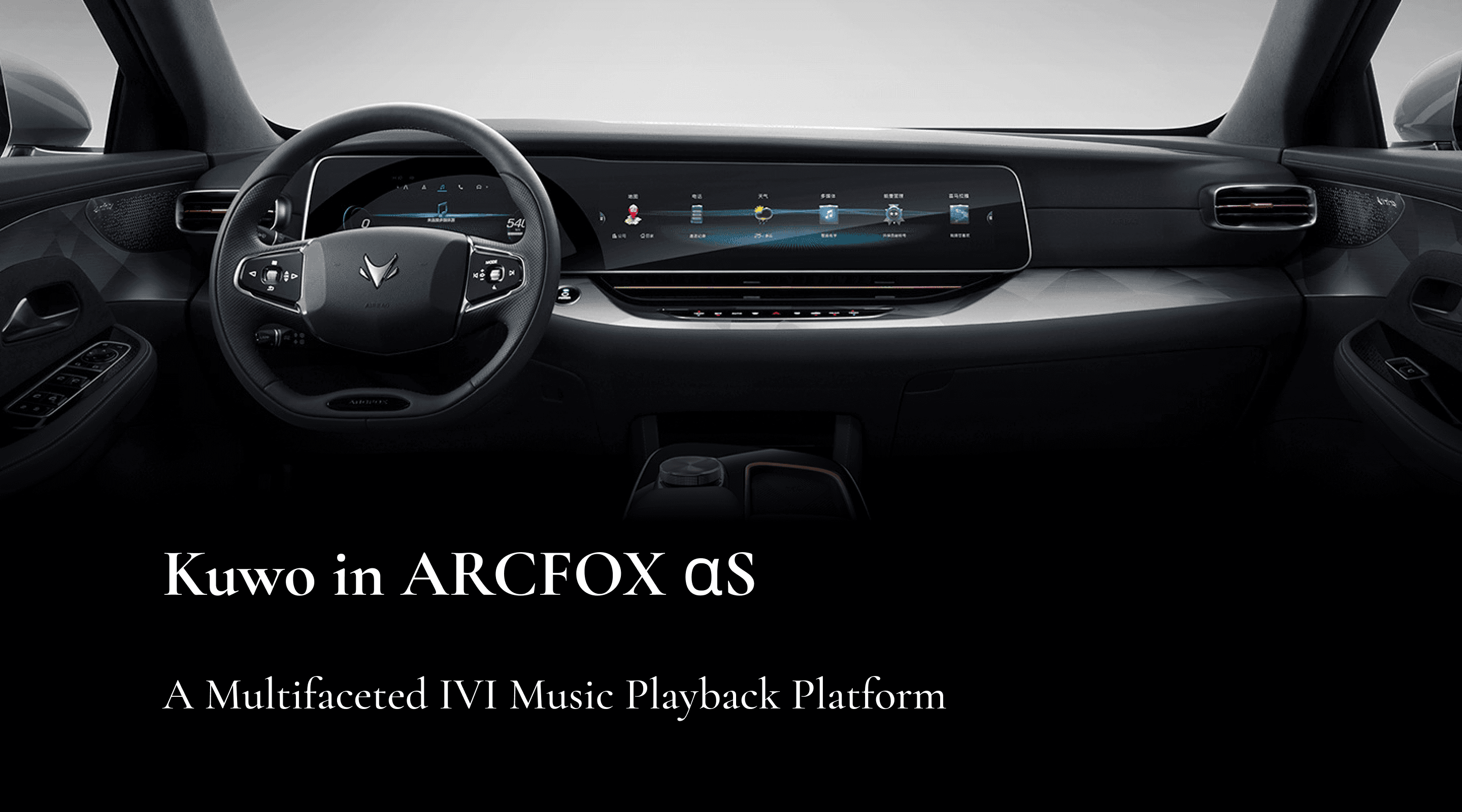
Kuwo Music in Arcfox ⍺S
Enhancing Safety, Accessibility, and the In-Vehicle Experience
Kuwo Music brings a seamless and intelligent entertainment experience to Arcfox αS. By redesigning the multi-screen interface and optimizing driver–passenger interactions, the project improves usability, ensures safety, and aligns with Arcfox’s premium brand identity.
Client
BAIC Group
My Role
UX Research UX Design Prototyping
Tools
Figma
Timeline
10 Weeks Jan - March 2022
Team
Team Project
Project Timeline + Collaboration
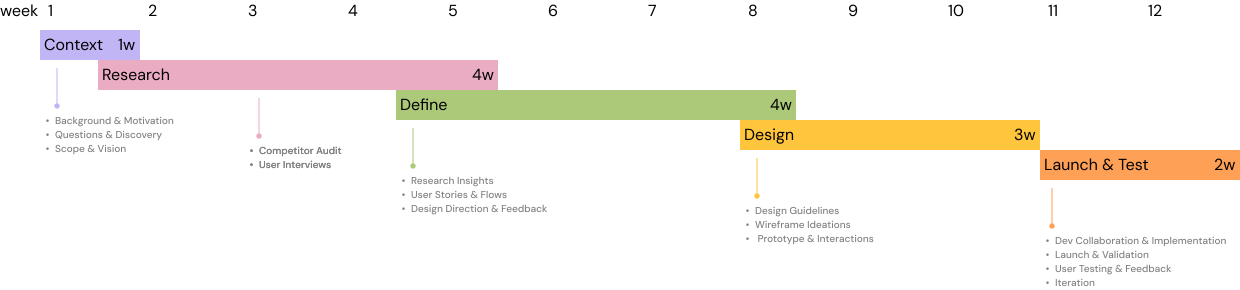
Context
Project Overview
Wisary is an AI-powered collaboration platform for product managers, designed to streamline product documentation and team alignment. I collaborated with the UX team and worked closely with developers to redesign the core experience, focusing on simplifying AI-driven feedback and aligning documentation workflows. The redesigned product was successfully launched.
The Problem
Despite its innovative features, Wisary faced adoption challenges. Product managers often found AI feedback too abstract, meeting outcomes disconnected from documentation, and unstructured workflows difficult to navigate. These frictions caused most users to drop off after their first try, making retention a critical design challenge.
Research
Understanding the market context
Existing tools address parts of the product workflow, but none offer an integrated, AI-driven approach tailored for product managers.
Understanding the market context
We interviewed 22 participants to gain diverse perspectives on product usage, challenges, and expectations. The participant pool was composed of two groups:
・Wisary-provided participants (6 total): Clients and contacts shared by Wisary, representing their current and potential user base.
・Research team’s professional network: Product managers, designers, engineers, and industry experts recruited through our extended network to broaden the range of insights.
This combination allowed us to balance direct user feedback from Wisary’s ecosystem with industry-wide perspectives, ensuring that our findings were both context-specific and broadly relevant.
To synthesize findings from 22 interviews, we used affinity mapping in Dovetail. Recurring themes revealed where users struggled most, helping us define key problem areas and guide the next phase of design exploration.
Affini
Define
Why Weren’t Users Coming Back?
・AI feedback lacked context and felt too abstract
・Meeting decisions didn’t reflect in documentation
・PRDs lacked structure—users didn’t know where to begin
・Insight overload created cognitive fatigue
・Didn’t fit into existing workflows
Design
AI-assisted PRD System Overview
A dynamic, non-linear workflow where each module supports continuous improvement across the PRD lifecycle.
Design System
We built the interface based on the Radix Design System, ensuring visual consistency, accessibility, and scalable component structures across Wisary’s AI-assisted workflows.
Reflection
Building Wisary, Flow by Flow
In our final design sprint, we transformed Wisary from a feature collage into a coherent product.By unifying all stakeholder communication under one intent — “Communicate to stakeholders” — the experience became simpler and more intuitive.We also made the meeting-to-document loop tangible: PMs can upload transcripts, review “Unapplied decisions,” and apply updates inline — finally bridging discussion and documentation.With only three days of Dev Mode, we learned to prioritize what truly matters: guidance over clutter.When the prototype was demoed to real PMs, one said,
“It doesn’t feel like another tool. It feels like a teammate.”
What Changed at the End
Next Steps
1. Usability Testing & Heuristic Validation
Run 3–4 short tests with PMs on:
・Discoverability of the “Communicate to stakeholders” CTA
・Clarity of “Unapplied decisions” indicators
・Comfort toggling AI panel visibility during editing
2. Real-world Integration
Prototype integrations with Confluence, Slack, or Jira, where PMs already live. This was one of the strongest signals from Ala’s demo feedback.
3. Empty & Transitional States
Design “first-time” screens — when there are no downstream docs, FAQs, or transcripts — to guide users toward first actions.
4. System Feedback Design
Add micro-success states (“Decision applied ✓”) across the app for better closure and satisfaction.